


News

Your iPhone works with Apple CarPlay to give you a smart way to use your iPhone in your vehicle. Use your iPhone to get directions with Waze, listen to your Spotify, make calls and send messages—all through the Uconnect touchscreen or with your voice through Siri, your iPhone’s digital assistant.
Continue reading

Have you just purchased a new vehicle with CarPlay? Or maybe you followed the instructions to add this feature to your new AUDI? Maybe you just want more control over what's on your infotainment system. Either way, you need to know how to customize the apps you see and finally know the method to hide the apps one doesn't want on the Carplay screen. The number of apps that are compatible with Apple's in-car navigation and entertainment system continues to grow. If you want to rearrange the apps or remove the ones you no longer use in your car, here's how to customize your CarPlay apps.
Continue reading
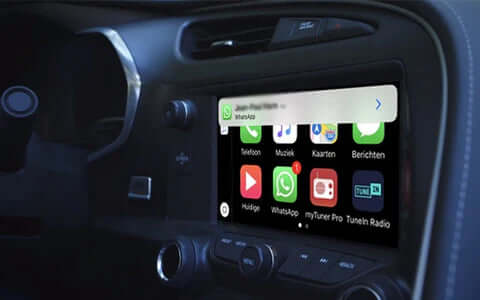
Apple CarPlay is a system that allows you to use your car’s infotainment screen as a display screen for an iOS device.
That means you can turn that or any screen into a giant phone screen, but not all apps work with Apple CarPlay. If you want to listen to radio stations as you cruise, you’ll need third-party radio apps.
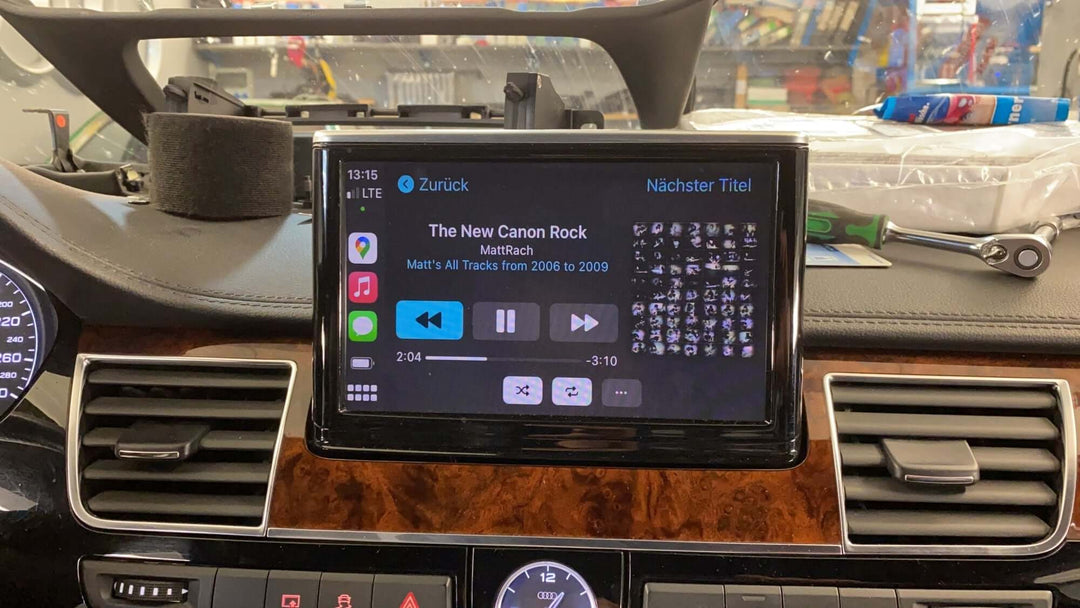
In other articles, we have found out that we have the option to add Apple Carplay & Android Auto to our cars: through a Carplay Integration Module.We have also seen how MergerCity, an online store solely dedicated to such products,...
Continue reading
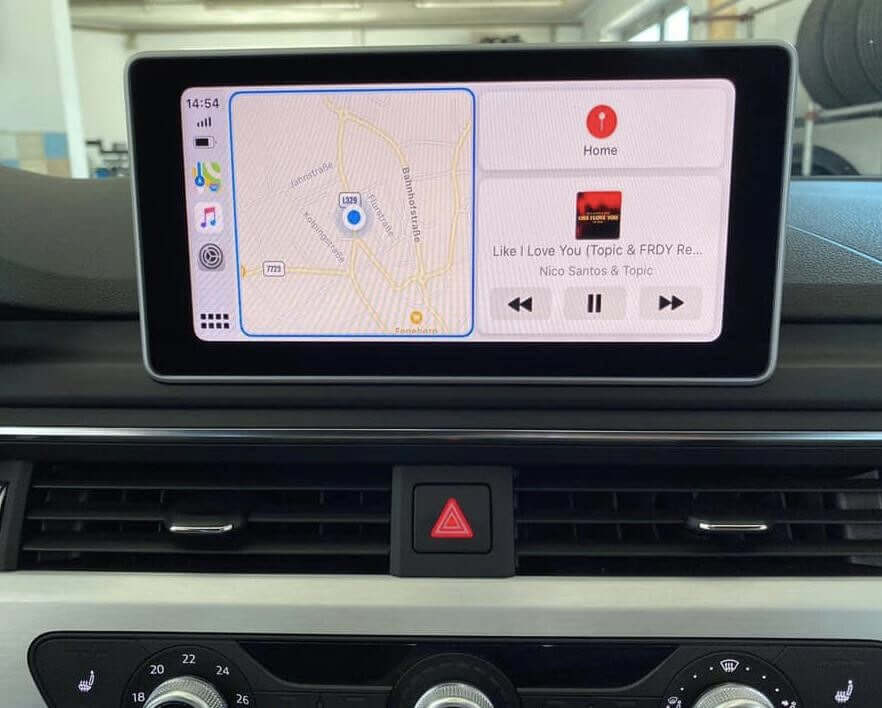
A lot of us love the idea of having Apple Carplay & Android Auto in our car. Being able to control Spotify and Google Maps directly on our car screen, listen to incoming voice-notes from Whatsapp or Messenger on our car...
Continue reading